The way this question usually gets asked — "do we need on-site support or is remote enough?" — has no general answer, because it's really two questions wearing one coat.
The first is about your ticket mix, and the honest answer is that remote handles the everyday queue. Password resets, mailbox problems, software installs, permissions, printer queues, a laptop that won't wake up, a VPN that won't connect: all of it gets solved faster from a remote session than from a truck. Nobody is arguing for a technician driving out to reset a password.
The second question is the one that matters. It's not what portion of your problems are physical. It's how expensive the physical ones are, and how long you can sit with them unsolved.
A company where the answer is "a couple of hours, and it's annoying" should optimize for remote. A company where the answer is "a line is down and we're losing a shift" should not.
Speed, mostly, and it isn't close. A remote session starts in the time it takes to click a link. There's no drive, no scheduling, no waiting for an afternoon window. For anything that lives inside an operating system or an application, remote is simply the better tool.
It's also where proactive work happens. Monitoring, patching, backup verification, alert response — none of that needs anyone in the building, and most of it happens before you'd have noticed a problem. That's the part of a managed agreement that quietly prevents tickets rather than closing them.
The tooling matters here. Research by Jeff Rumburg published through HDI in July 2017 found that service desks with remote-control capability resolved roughly ten percentage points more issues on first contact than those without it. Nine years on, that capability is table stakes — but it's worth asking a prospective provider what they actually run, because "remote support" spans everything from full remote control with unattended access to a technician reading instructions to you over the phone.

This is the list, and it doesn't shrink with better software:
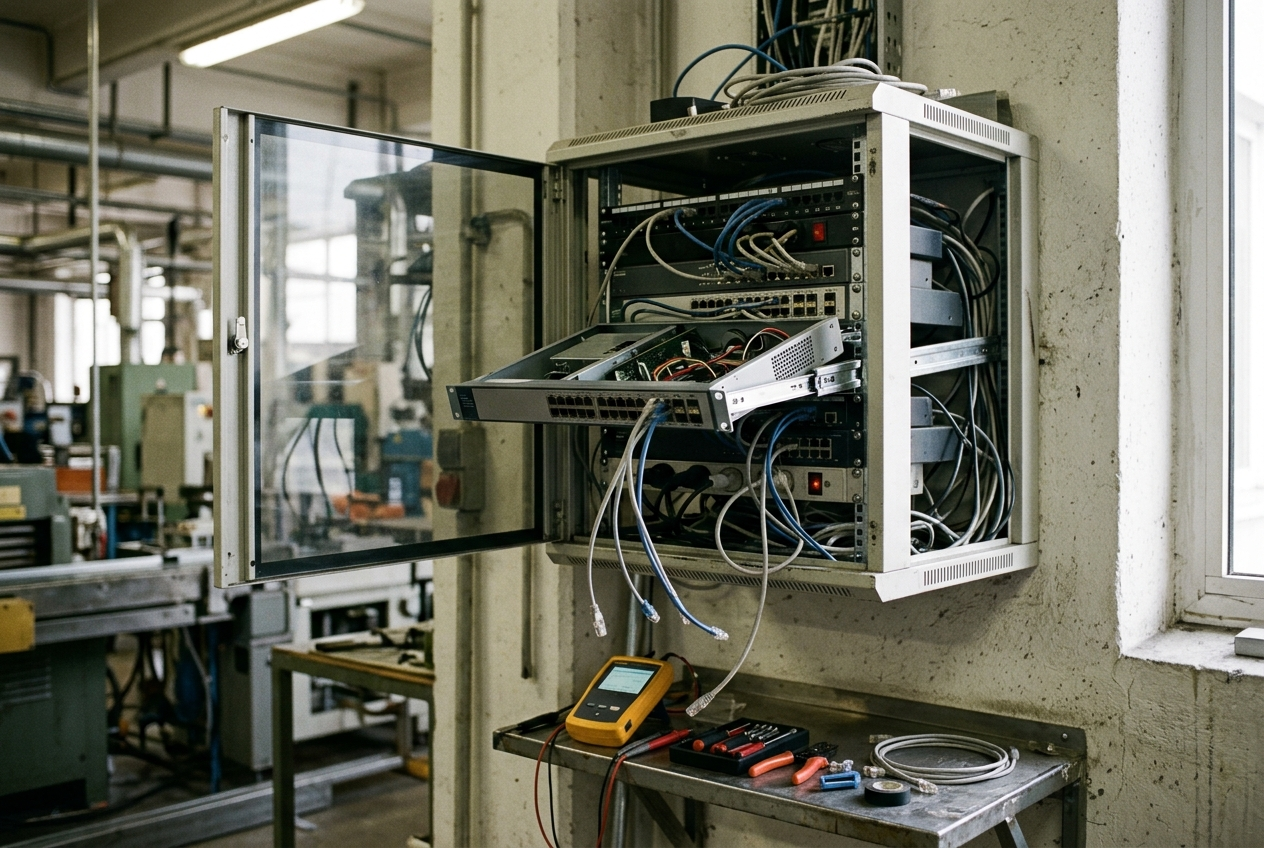
Two things are worth noticing about that list. First, it's short — and none of it gets shorter with better remote tooling. Second, nearly every item on it stops work for more than one person.
That asymmetry is the whole argument. These are the infrequent problems, and they're where the expensive hours live.
You don't need a study for this. You need to answer three questions about your own building.
How much of what runs your business is physical and on-premises? A company running on cloud applications with laptops and a decent internet connection genuinely has very little that a technician has to touch. A plant with production networks, machine-attached PCs, and equipment on the floor has a great deal. A distribution center with scanners, vehicle-mounted terminals, and RF coverage across a warehouse is almost entirely physical when it breaks.
What does an hour of downtime actually cost you? Not as a formal calculation — just the honest order of magnitude. A February 2025 survey of 715 organizations by ITIC, reported by Calyptix, found 37% of small and mid-sized businesses put the cost of an hour of downtime between $1,000 and $5,000, with 8% above $25,000. Whatever your own figure, the question is whether it exceeds the difference between two monthly rates — and if a network problem idles a production line or stops a picking operation, it does, quickly. We go deeper on downtime economics in our break-fix comparison.
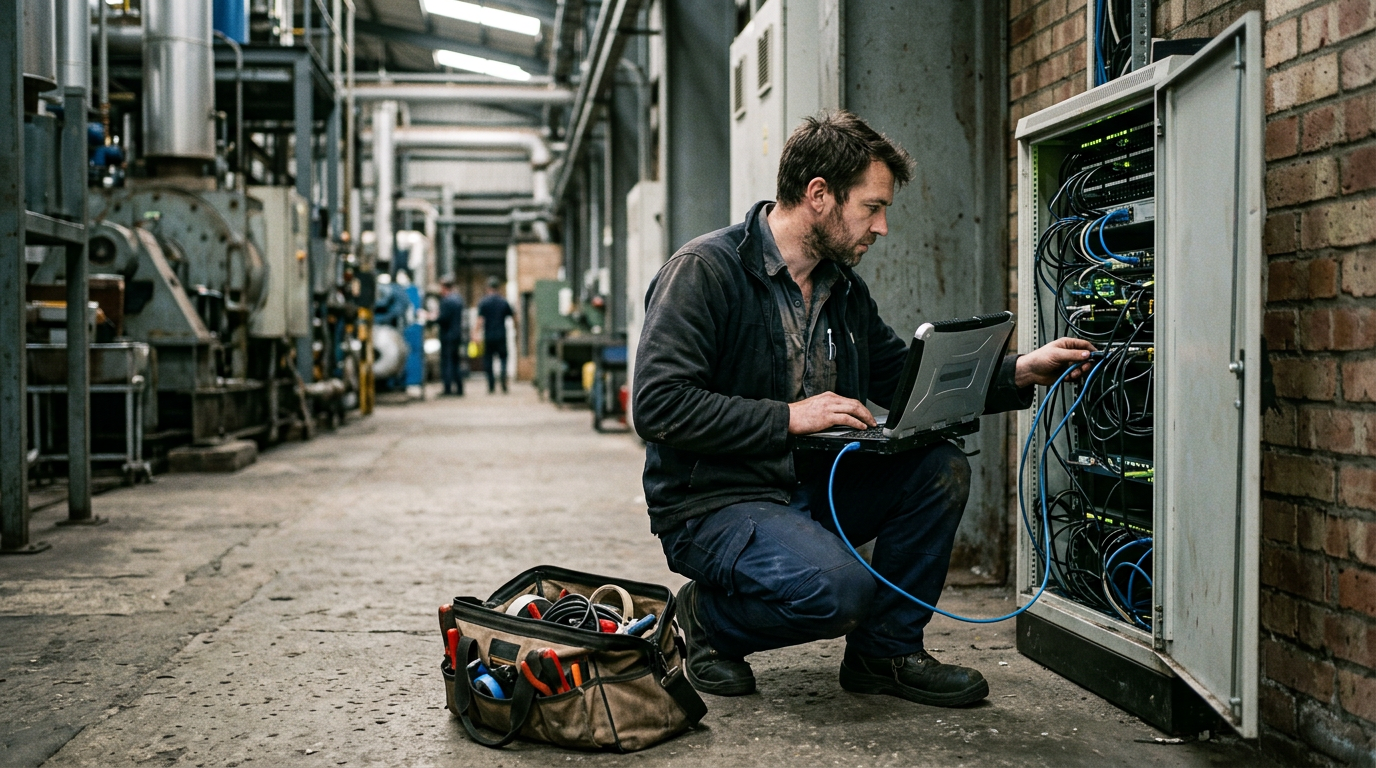
Who's on-site today? If you have no internal IT presence, someone still has to be hands-on when hands are required. That role doesn't disappear because the support model is remote. It just becomes unassigned, and it usually lands on whoever is closest — a maintenance lead, an office manager, a supervisor with a ladder.
Most managed IT is delivered as a hybrid, and that's correct. The variable isn't whether a provider does both. It's what happens on the day the problem is physical.
Ask: do you do the physical work yourselves, or subcontract it?
A provider who manages your switch but hands off cabling, wireless surveys, and access point work to a partner company has a seam in the middle of your service. It's invisible until the day your problem is physical, and then you're waiting on a firm that has never been in your building, has no contractual relationship with you, and is scheduling you against their own queue.
Then ask the follow-up: where is the nearest technician actually based? A provider three hours away can be excellent. You just want to know that before an emergency rather than during one.
Before you sign anything, the agreement should answer all of these plainly:
This is the most common gap between what a proposal appears to cover and what it actually covers, which is why it earns its own question in our ten questions to ask a managed IT provider.
Remote support should handle your everyday queue, and if it doesn't, something is wrong with the tooling or the environment. But the value of on-site capability isn't measured in ticket volume. It's measured in what happens during the rarer events that stop work for everyone.
Buy remote for the daily. Buy on-site for the bad day. And make sure the same company owns both, so there's no seam to fall into.
Can most IT issues be resolved remotely?
Anything living inside an operating system or application is faster remotely than in person, which covers the everyday queue. The exceptions are physical: hardware failure, cabling, wireless coverage, and equipment that won't come back after a power event. Those come up less often and cost far more per occurrence, because they tend to stop work for a whole area rather than one person.
Is on-site IT support included in managed IT services?
Sometimes included, sometimes capped at a number of visits, sometimes billed hourly on top. It varies enormously between providers and is one of the largest hidden differences between two proposals that look similar. Get it in writing before signing.
Do manufacturers need on-site IT support?
Generally yes. Production networks, machine-attached systems, harsh physical environments, and the cost of a stopped line all push toward having someone who can be in the building. The same applies to warehousing and distribution.
What's the difference between hybrid IT support and remote-only?
Hybrid means the same provider handles both remote tickets and on-site work with their own technicians. Remote-only means physical problems get subcontracted or handed back to you. The distinction only matters on the days it matters, and then it matters a lot.
How quickly should a provider be on-site?
There's no universal standard — which is exactly why the number belongs in your agreement rather than in a conversation. Ask where the nearest technician is based and what a dispatch to your address looks like in practice.
CTC Technologies supports Michigan businesses from an Ann Arbor headquarters, with technicians who drive to your building. We handle the physical layer ourselves — structured cabling, wireless site surveys, and network refresh come from the same team that answers the ticket, so there's no subcontractor between you and the problem.
Request an IT assessment or call 734-408-0200. Managed IT across Michigan, including Detroit, Troy, Livonia, Novi, Lansing, and Ann Arbor.


